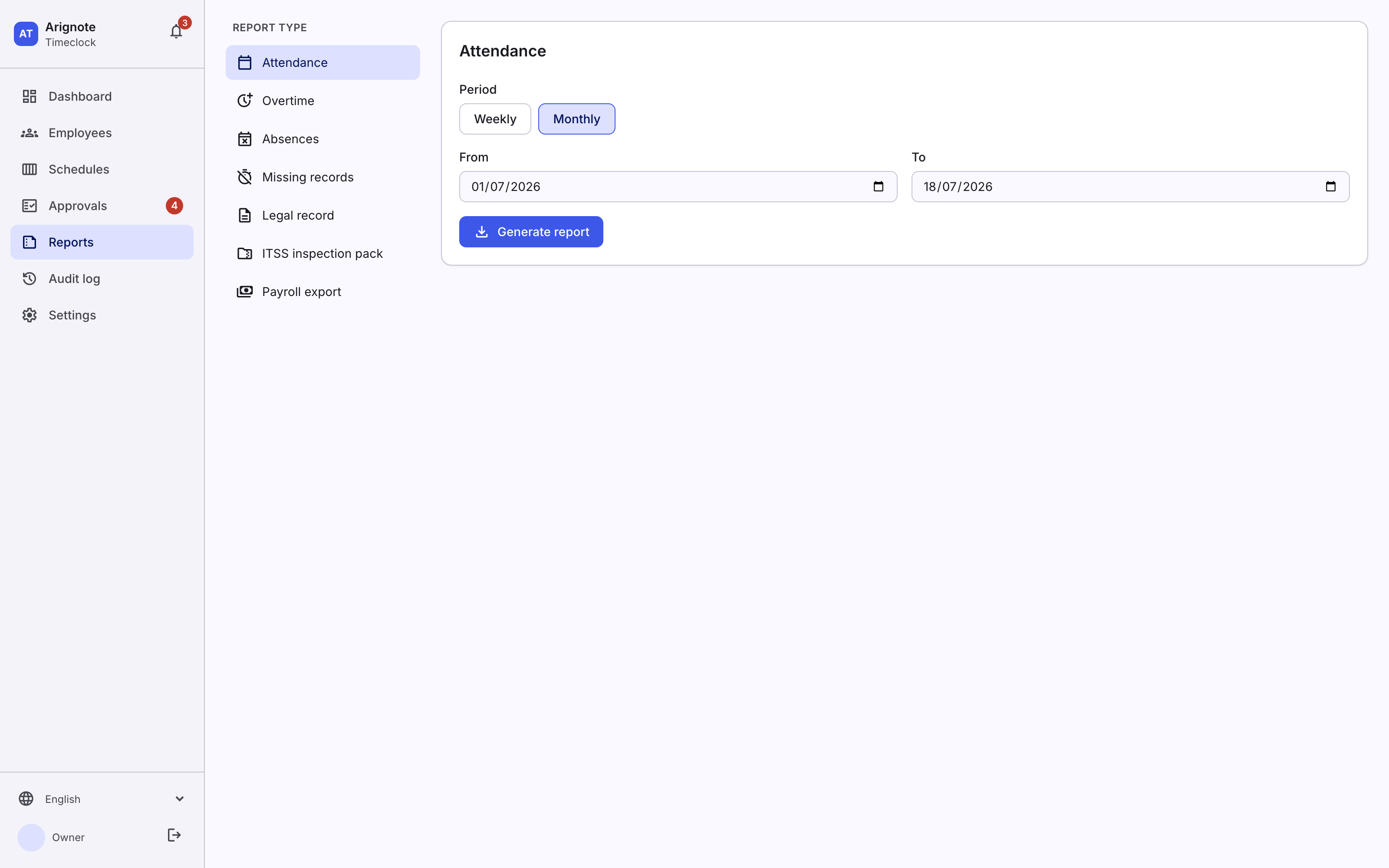
 Arignote Timeclock
How It Works
Getting your whole team tracking time takes minutes, not days. Here is the full flow, start to finish.
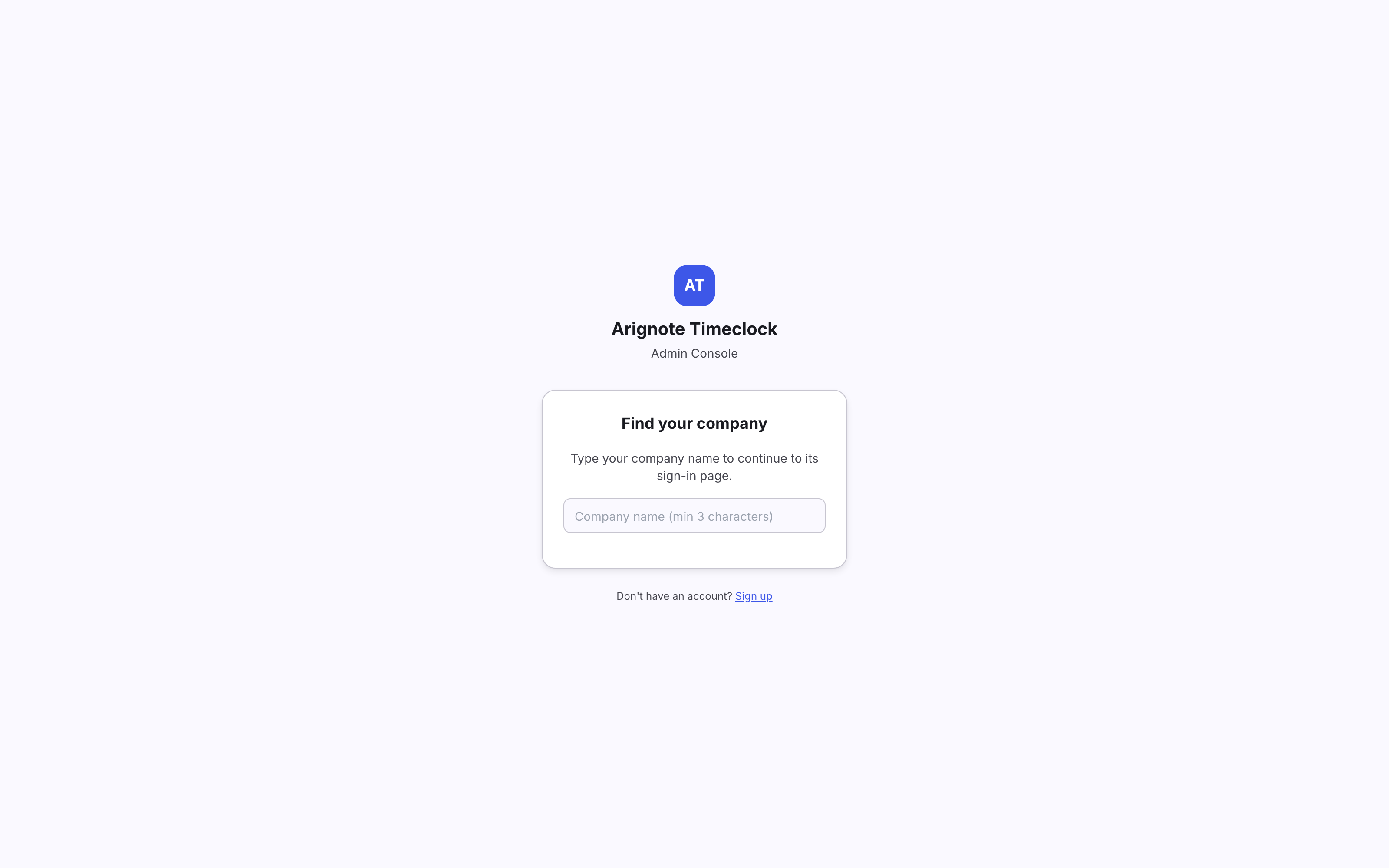
1. Create your company
Register your company in the web admin console. Each company gets its own private, isolated workspace — your data never mixes with anyone else's.
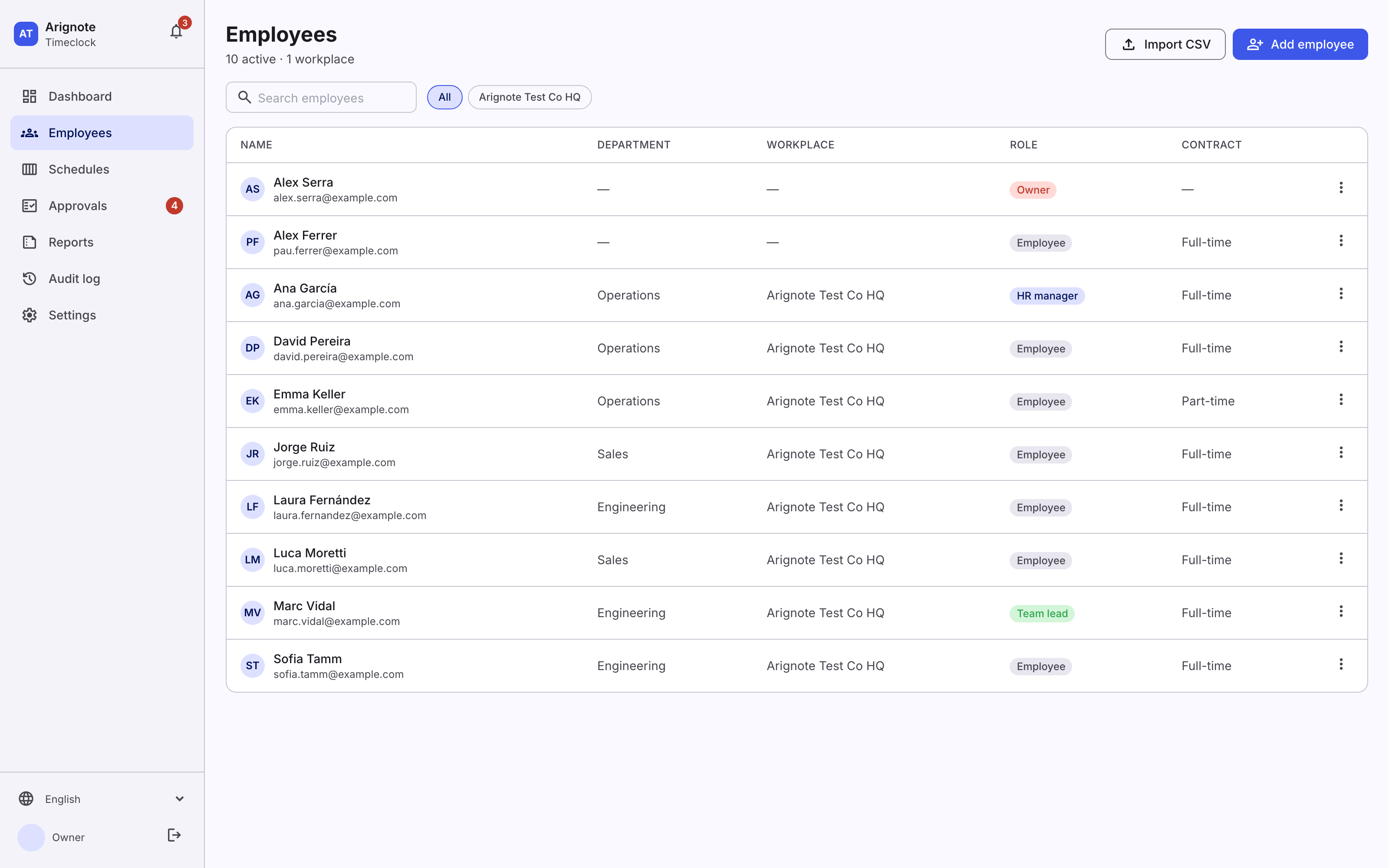
2. Add your team
Invite employees by email, or import them in bulk. Organise people into departments and assign roles — staff, team lead, or admin.
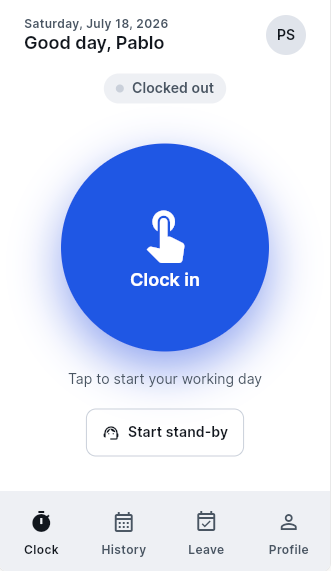
3. Your team clocks in
Employees clock in and out from the Arignote Timeclock app on their phone, from the staff web interface in any browser, or from a shared tablet in kiosk mode at the entrance.
4. Manage the day-to-day
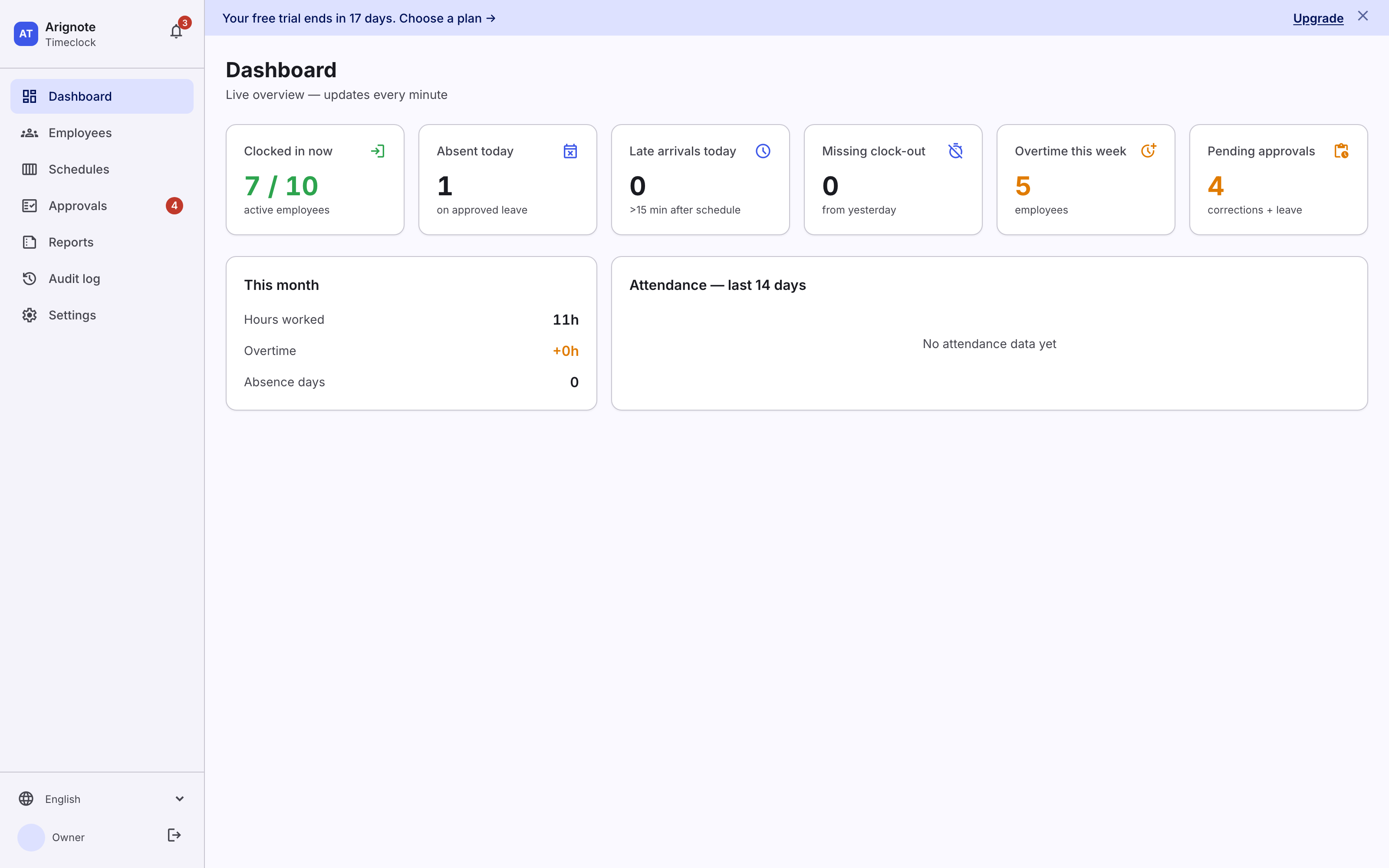
Approve leave, review corrections, and keep an eye on who's in via the admin console. Team leads handle their own departments; admins see the whole company.
5. Get reports and legal records
Monthly summaries and per-employee breakdowns are always up to date. When you need to file, export your country's official working-time record as a PDF in one click.