 Arignote Timetable
Download
Arignote Timetable is a native application for all major platforms. Download it free — no credit card required. Upgrade to a paid plan when you are ready for unlimited sessions and advanced features.
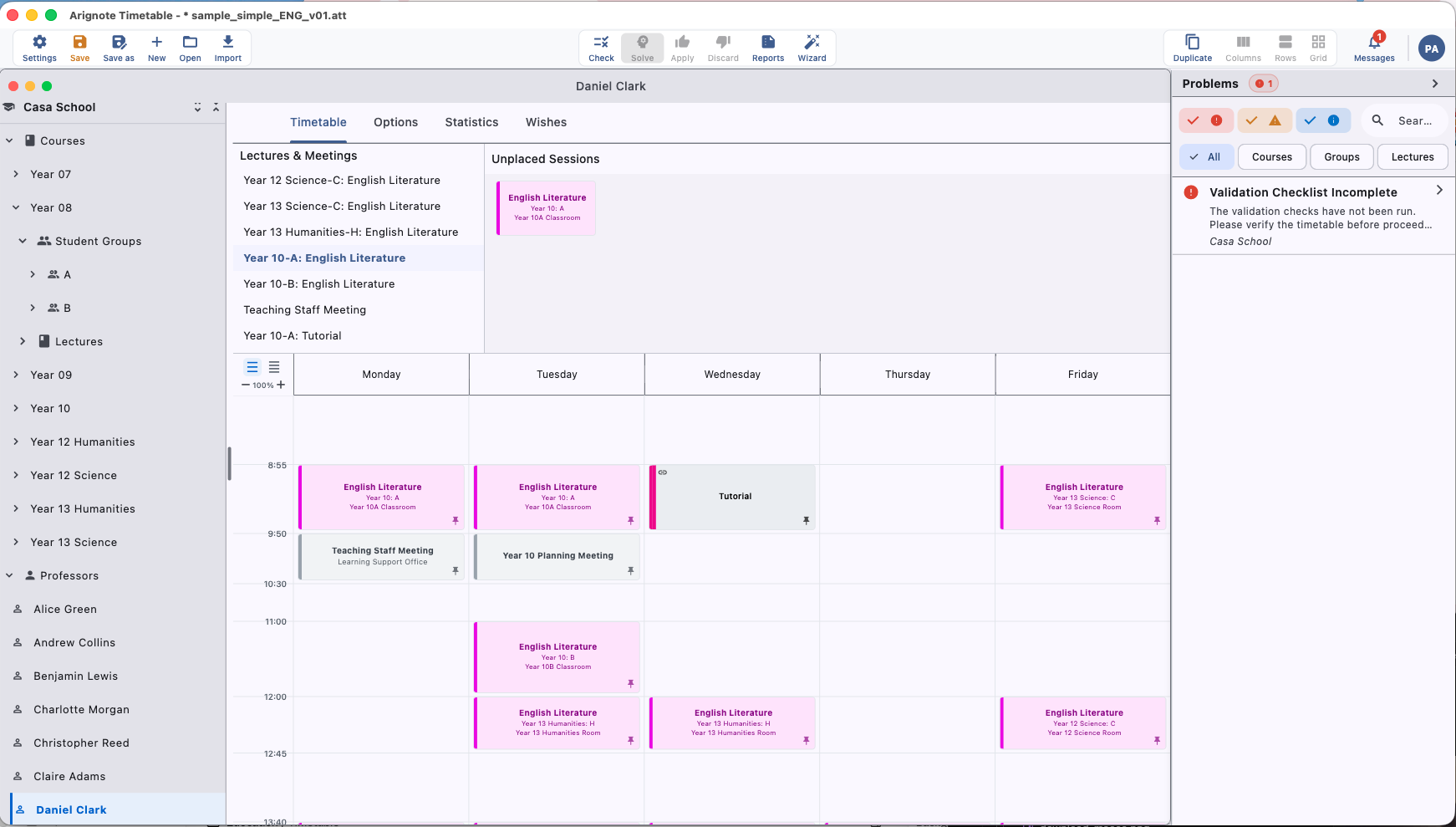
macOS
The macOS app is available directly from the Mac App Store or as a signed and notarized DMG for direct download. It runs natively on both Apple Silicon (M-series) and Intel Macs.
- Requires macOS 13 Ventura or later
- Universal binary — native performance on Apple Silicon and Intel
- Retina display optimised
- Automatic updates via the App Store or built-in Sparkle updater (direct download)

Windows
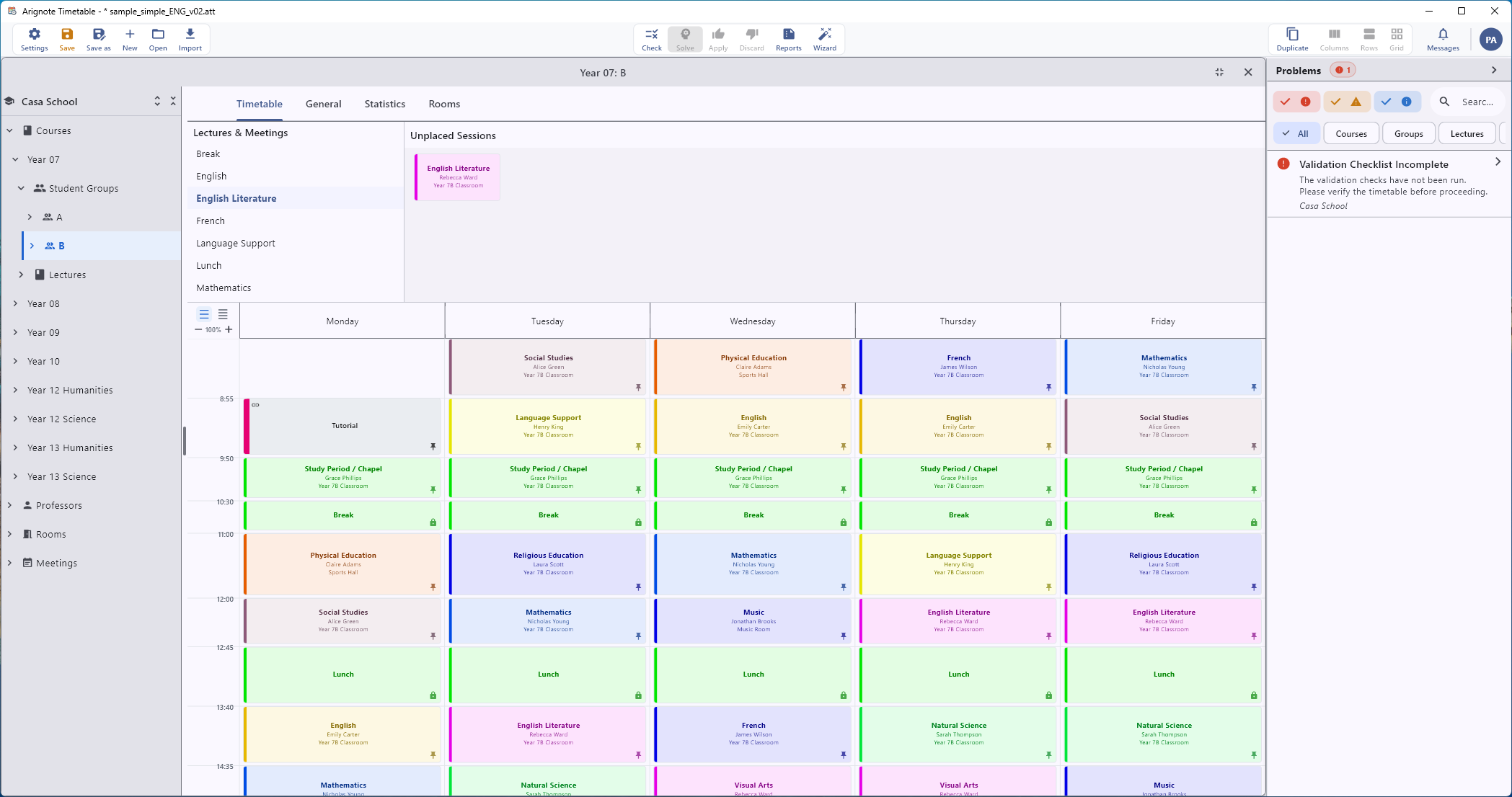
The Windows app is available from the Microsoft Store, or as a signed installer you can download directly. Both are the same app and run on any modern Windows PC.
- Requires Windows 10 version 1903 or later (64-bit)
- Automatic updates via the Microsoft Store, or in-app updates with the direct installer
- Signed by Arignote OÜ — Windows verifies the publisher before installing
- High-DPI display support

iPadOS
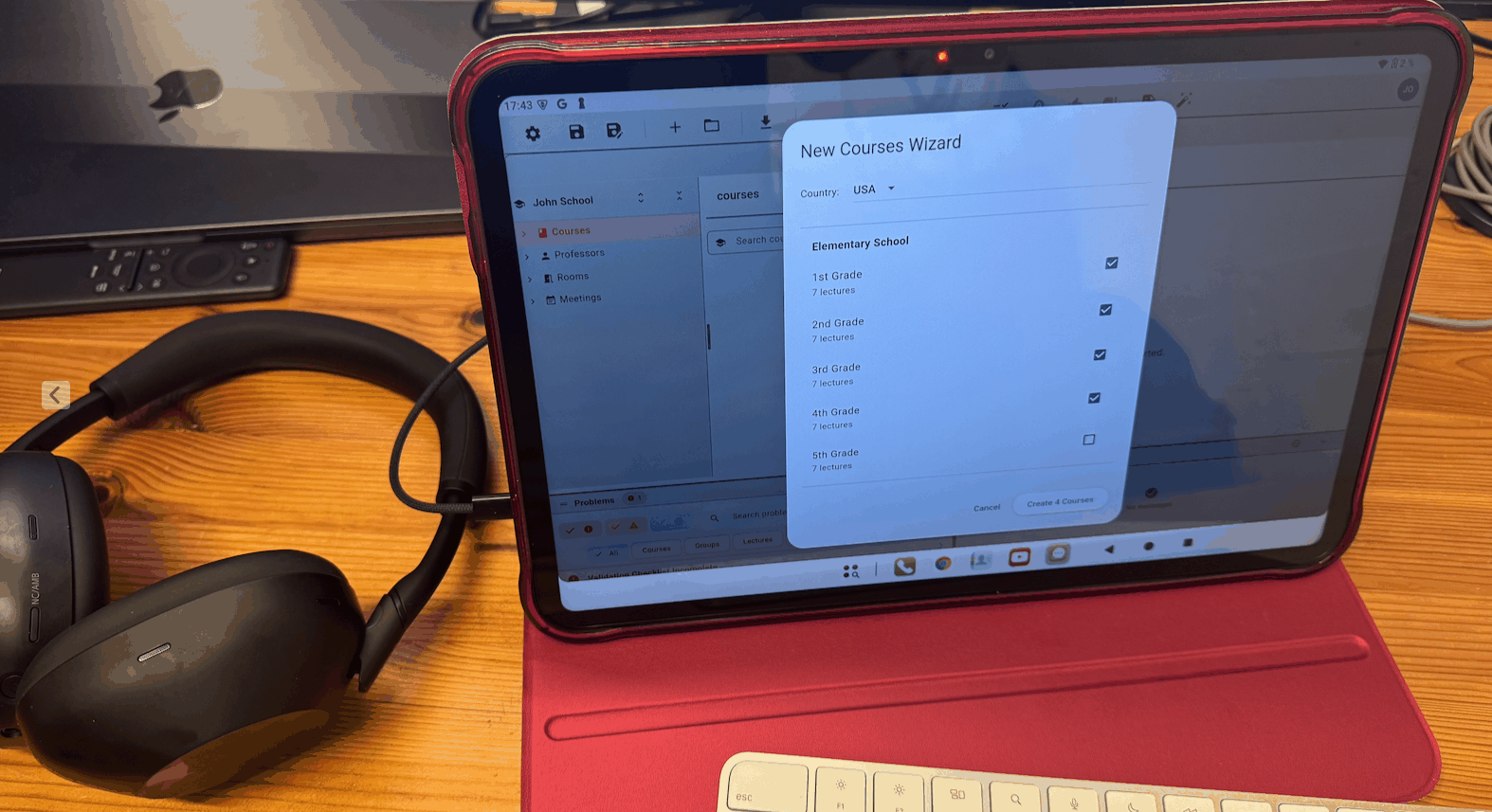
The iPad app is a full-featured version of Arignote Timetable, optimised for the larger screen and touch interaction. Use it standalone or alongside your Mac or Windows machine.
- Requires iPadOS 16 or later
- Optimised for iPad Pro, iPad Air, and iPad mini (10.2" and larger)
- Stage Manager support for iPad Pro and iPad Air
- Apple Pencil compatible for annotation

Android
The Android app runs on tablets and large-screen phones, making Arignote Timetable available on the widest possible range of devices.
- Requires Android 8.0 (Oreo) or later
- Optimised for tablets with screens 10" and larger
- Available on Google Play

Linux
Arignote Timetable runs on Linux as a portable AppImage — download it, mark it executable, and run. No installation required.
- 64-bit (x86_64) Linux
- Portable AppImage — nothing to install
- Runs on most modern distributions (Ubuntu, Debian, Fedora, and more)
Not sure which plan to choose?
Start with the free plan — it gives you full access to all features for a small school. View the pricing page to compare plans and find the right fit for your institution.